
Download Splice for Mac
 macOS Tahoe (26.0) or later
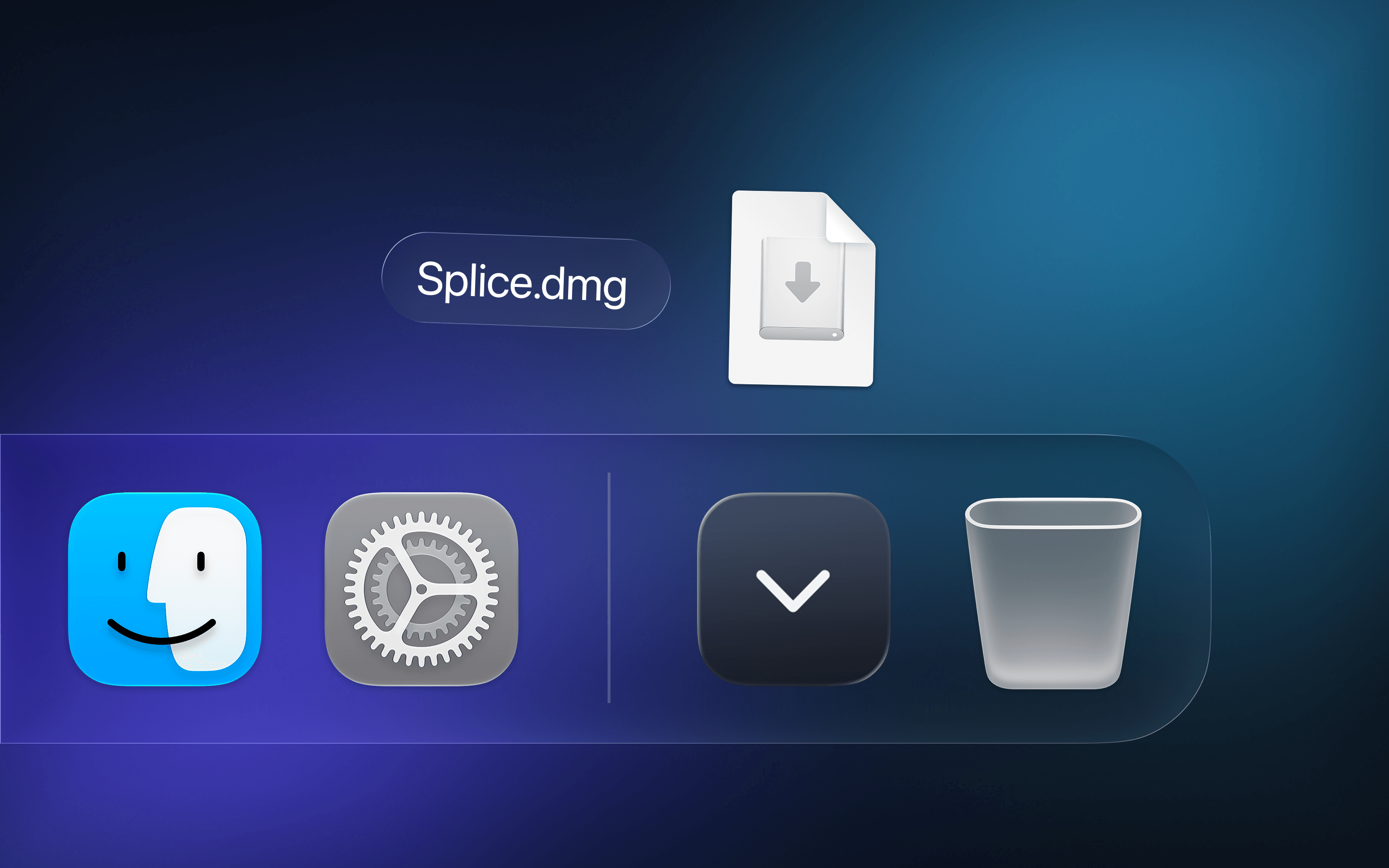
Open Splice.dmg from Downloads

Drag it into Applications
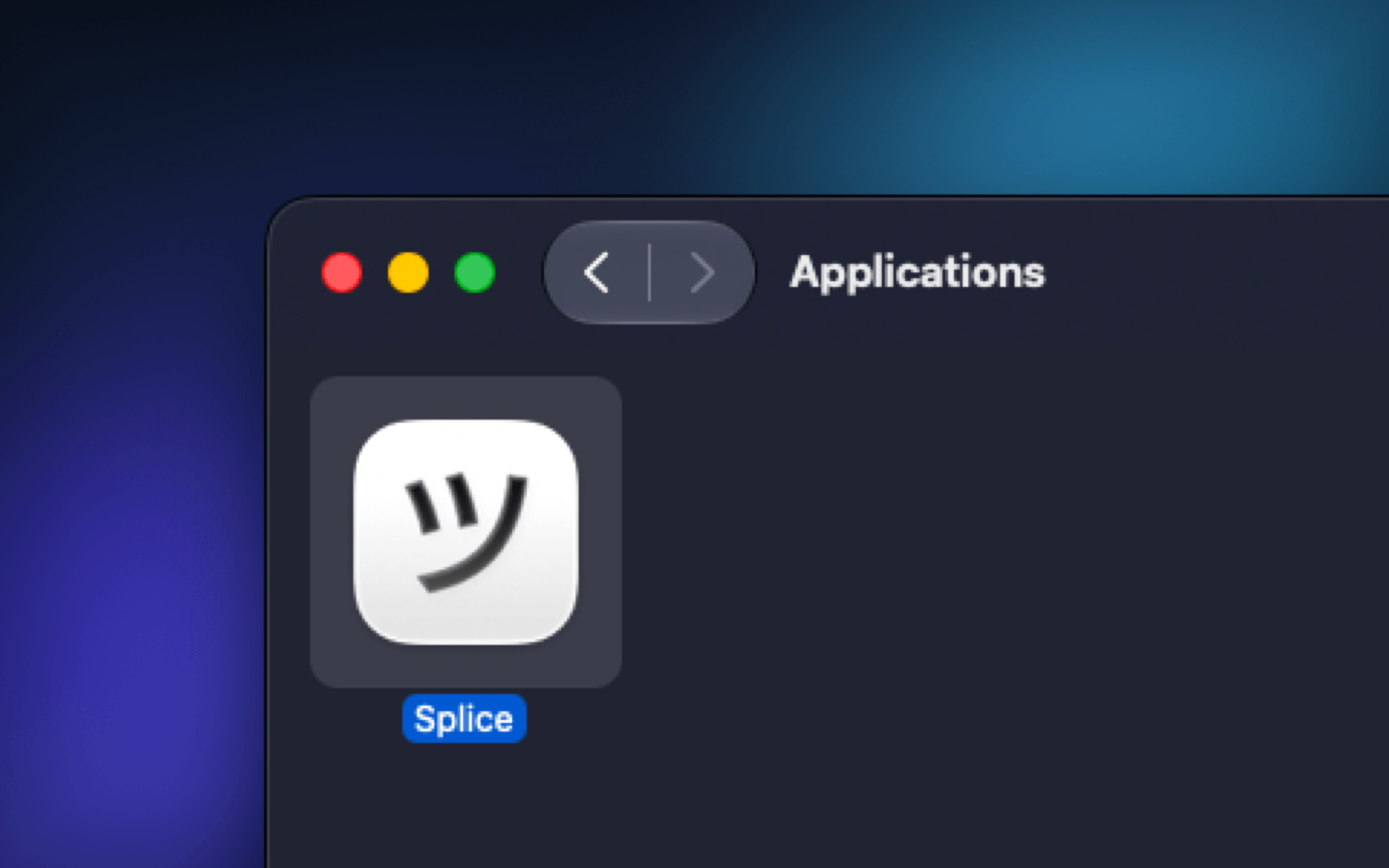
Launch it from Applications
If you have any issues downloading or installing, please contact us.
macOS Tahoe (26.0) or later
Open Splice.dmg from Downloads
Drag it into Applications
Launch it from Applications
If you have any issues downloading or installing, please contact us.